Trending
 Sakunth
 5 min read
July 10, 2026 | 1:25 PM
Don't get trapped by hidden watermarks or credit limits. Our tested 2026 review reveals the best free AI video editors for auto-captions, eye-contact correction, and effortless smart cuts.
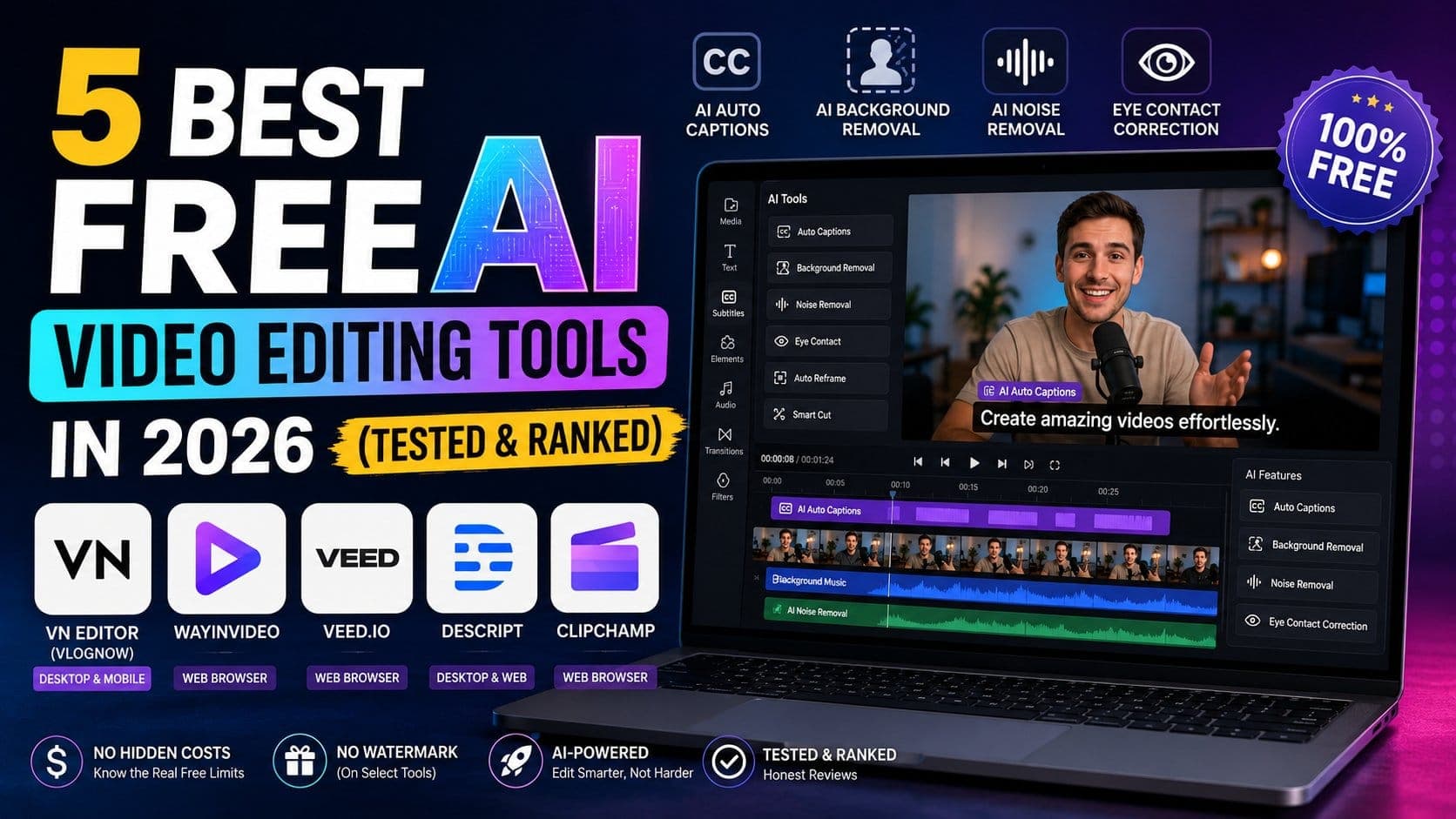
The internet is flooded with free AI video editing software, but not every software will give you the best experience. With AI integrated into video editing tools, you can now get high-tech generative features to make your videos look more appealing. You can generate auto captions in the language of your choice, remove the background of your video, and even get a green screen effect without using an actual green screen. Some AI video editing tools also provide an eye contact correction lens to make the video look more attractive and well shot.
Here are 5 Best Free AI Video Editing Tools in 2026:
The “Free” sign right beside an AI video tool isn't always true. Either an AI tool will give you a free trial, or it will give you free tokens that you can use to generate a couple of videos before you hit a paywall.
There are a bunch of AI video editors now available on the internet, but only a handful of them work really well.
VN Editor is one of the most widely used video editing software for most creators. Recently, it has been equipped with some common AI additions with absolutely zero overhead cost. You can use it to generate auto-captions in over 20 languages; you can also remove the background, and it has "BeatsClips," which automatically syncs your video cuts to the rhythm of your audio. However, highly complex premium filters require a subscription, but standard 4K 60fps exports are free.
To cut clips from long-form videos without having to manually sit through the entire video, you can use WayinVideo, where you type in a question and the video jumps to the exact moment where that specific question is being addressed. You get 200 free credits a month after signing in, and you can export the clips with no watermark, but when you hit the limit, you will run into a paywall or wait for the monthly refresh.
VEED.io helps with automatic subtitle generation, text-to-video creation, AI avatars, background noise removal, and eye-contact correction. You can access basic features for free; however, if you want to remove the watermarks, then you will have to get their creator plan.
If you make podcasts or talking-head videos, then Descript is your best friend. With the help of this software, you edit the video by literally editing a generated text transcript. It has an excellent studio sound feature through which you can scrub the background noise and remove filler words smoothly. However, it exports with a watermark, and you only get to download one video per month for free.
Microsoft Clipchamp is built directly into Windows but accessible via browser. You can access the basic features without a paywall and watermark-free exports up to 1080p with highly accurate auto captions, text-to-speech narration, and an AI silence remover but it lacks because it does not have generative features.
Now let us look at the features provided by the top 3 AI video generator side by side to see which free plans offer more:
| Feature | VN Editor | WayinVideo | VEED.io |
| Watermark on Free? | No | No | Yes |
| Best Used For | Fast manual timeline edits, keyframing & mobile creation | Mass-producing shorts from long clips | Quick browser touch-ups & subtitles |
| AI Capstone Feature | BeatsClips Audio Sync & Smart Cutouts | Batch processing & Text-Based Cuts | AI Eye-Contact Correction |
| Platform Limit | iOS, Android, macOS & Windows | Web Browser Only | Web Browser Only |
If you are someone who creates vertical videos for platforms like Instagram views and YouTube shorts then WayinVideo should be your first pick if you are looking for automation. But if you want to lean more into different features and test different formats, you can pick VN Video Editor.
If you usually record long-form horizontal videos and want to cut clips from that, then WayinVideo’s ability to batch-process a single link, apply smart kinetic captions, auto-reframe to vertical (9:16), and schedule posts without slapping a giant watermark over your face saves hours of tedious slicing.
If you prefer to shoot native phone clips and jump on fast-moving editing trends, VN Editor's performance curves, multi-layer asset tracks, and lack of watermarks make it unmatched for rapid, trend-focused local editing.
When editing videos, you can go either of the two ways: browser or desktop. Choosing the right medium to edit your videos is important.
If you want to edit on your phone and on the go, then you should prefer desktop apps, which are also available as mobile applications. If you want to clip longer videos into short shorts, then you should use browser-based softwares.